Think hackers only target big corporations? Think again. Small businesses are actually the preferred target for cybercriminals because they often lack the defenses that larger companies have. One breach can cost everything.
The average cost of a data breach for small businesses is $120,000. That number alone should get your attention. But beyond the financial impact, a security incident can destroy customer trust and reputation that took years to build. Understanding cybersecurity for small businesses is no longer optional. It is essential for survival.
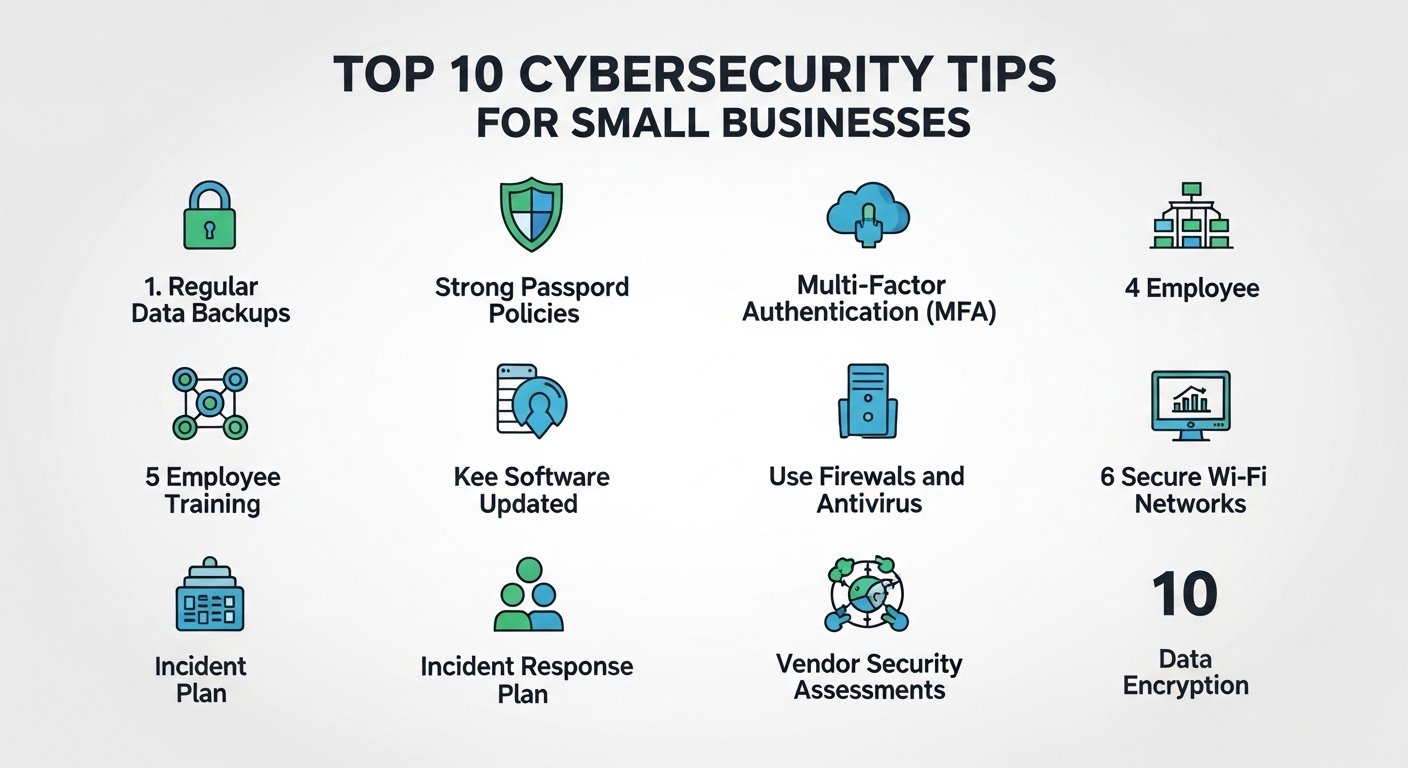
This guide covers the ten most important security measures every small business should implement. These are practical, affordable steps that significantly reduce your risk. You do not need a massive IT budget to protect your business. Let’s lock things down.
Key Takeaways
- Understand why small businesses are prime targets for cyberattacks.
- Learn practical security measures that do not require huge budgets.
- Discover how to protect customer data and business information.
- Find out which security tools offer the best value for small businesses.
- Create a security culture within your organization.
- Know what to do if a security incident occurs.
Why Small Businesses Are Targeted
Cybercriminals are pragmatic. They go after the easiest targets with the highest potential return. Small businesses fit this profile perfectly because they have valuable data but limited security resources.
The Numbers Tell the Story
- 43% of cyberattacks target small businesses
- Only 14% of small businesses rate their ability to mitigate cyber risks as highly effective
- 60% of small businesses that suffer a cyberattack go out of business within six months
- The average time to identify a breach is 197 days
These statistics paint a clear picture. Small businesses are vulnerable, and the consequences of inaction are severe. The good news is that basic security measures can dramatically reduce your risk.
What Hackers Want
Understanding what attackers are after helps you protect the right things:
- Customer data: Credit card numbers, personal information, login credentials
- Financial access: Bank accounts, payment systems, wire transfer capabilities
- Business secrets: Proprietary information, client lists, strategic plans
- Computing resources: Your systems for launching attacks on others
- Ransomware opportunities: Locking your data until you pay
Tip 1: Use Strong, Unique Passwords
Passwords remain the first line of defense for most systems. Weak passwords are like leaving your front door unlocked. Yet surprisingly, “123456” and “password” remain among the most commonly used passwords.
Password Best Practices
- Use at least 12 characters combining letters, numbers, and symbols
- Create unique passwords for every account and system
- Never reuse passwords across multiple services
- Change passwords immediately if a breach is suspected
- Consider using passphrases that are long but easy to remember
Password Managers
A password manager solves the problem of remembering dozens of unique passwords. These tools generate strong passwords and store them securely. You only need to remember one master password.
Recommended password managers:
- 1Password: Best overall for teams and businesses
- Bitwarden: Excellent free option with open-source transparency
- LastPass: User-friendly with good business features
- Dashlane: Includes dark web monitoring and VPN
Tip 2: Enable Multi-Factor Authentication
Multi-factor authentication adds a second layer of security beyond your password. Even if someone steals your password, they cannot access your account without the second factor. This single step prevents 99.9% of account compromise attacks.
Types of Authentication Factors
| Factor Type | Example | Security Level |
|---|---|---|
| Something you know | Password, PIN | Basic |
| Something you have | Phone, security key | Strong |
| Something you are | Fingerprint, face | Strongest |
Where to Enable MFA First
- Email accounts (especially admin accounts)
- Banking and financial systems
- Cloud storage and file sharing
- Social media accounts
- CRM and business applications
Tip 3: Keep Software Updated
Software updates often include security patches that fix known vulnerabilities. Hackers actively scan for systems running outdated software with known exploits. Keeping everything updated closes these entry points.
What to Update
- Operating systems on all devices
- Web browsers and browser extensions
- Business applications and software
- Antivirus and security software
- Router firmware and network equipment
Enable Automatic Updates
Whenever possible, enable automatic updates. This ensures patches are applied promptly without relying on someone to remember. Schedule updates during off-hours to minimize disruption.
Tip 4: Train Your Employees
Your employees are both your biggest vulnerability and your strongest defense. Most successful attacks involve some form of human error. Training transforms your team from a liability into an asset.
Essential Training Topics
- Recognizing phishing emails and suspicious links
- Safe browsing and download practices
- Proper handling of sensitive data
- Social engineering awareness
- Reporting security incidents promptly
Training Frequency
Security training should not be a one-time event. Conduct training at least quarterly and whenever new threats emerge. Regular simulated phishing tests help reinforce good habits.
Tip 5: Back Up Your Data
Backups are your safety net against ransomware, hardware failures, and accidental deletions. If ransomware locks your files, you can restore from backup instead of paying the ransom.
The 3-2-1 Backup Rule
- 3 copies of your data
- 2 different storage types
- 1 copy stored offsite or in the cloud
Backup Best Practices
- Automate backups so they happen without manual intervention
- Test restores regularly to ensure backups actually work
- Encrypt backup data to protect it from unauthorized access
- Store backups separately from your main network
- Document your backup and recovery procedures
Tip 6: Secure Your Wi-Fi Network
An unsecured Wi-Fi network is an open invitation for attackers. Anyone within range can connect and potentially access your systems and data.
Wi-Fi Security Checklist
- Use WPA3 encryption (or WPA2 at minimum)
- Change the default router password
- Hide your network name from public broadcast
- Create a separate guest network for visitors
- Regularly update router firmware
Tip 7: Use Antivirus and Firewall Protection
Antivirus software detects and removes malicious programs. Firewalls monitor network traffic and block suspicious connections. Together, they provide essential protection against common threats.
Recommended Security Software
- Bitdefender: Excellent protection with minimal system impact
- Norton: Comprehensive security suite with good business options
- Malwarebytes: Great for additional malware scanning
- Windows Defender: Solid free option built into Windows
Tip 8: Limit Access to Sensitive Data
Not everyone needs access to everything. The principle of least privilege means giving employees only the access they need to do their jobs. This limits the damage if an account is compromised.
Access Control Steps
- Identify what data and systems each role requires
- Set up role-based access controls
- Review access permissions quarterly
- Immediately revoke access when employees leave
- Use separate accounts for administrative tasks
Tip 9: Create an Incident Response Plan
Despite your best efforts, a security incident may still occur. Having a plan in place ensures you respond quickly and effectively, minimizing damage and recovery time.
Plan Components
- Detection: How will you identify a security incident?
- Response: Who is responsible for what actions?
- Communication: How will you notify affected parties?
- Recovery: How will you restore normal operations?
- Review: What will you learn from the incident?
Tip 10: Work with Security Professionals
You do not have to handle security alone. Many affordable options exist for small businesses to get expert help without hiring a full-time security team.
Options for Small Businesses
- Managed Security Service Providers: Outsourced security monitoring and management
- Security Consultants: Periodic assessments and recommendations
- Virtual CISO: Part-time executive-level security guidance
- Cyber Insurance: Financial protection against breach costs
Conclusion
Implementing these cybersecurity tips for small businesses does not require a massive budget or technical expertise. It requires awareness, commitment, and consistent action. Start with the basics like strong passwords and multi-factor authentication, then build from there.
Remember, cybersecurity is not a destination. It is an ongoing process. Threats evolve, and your defenses must evolve with them. The investment you make in security today protects your business, your customers, and your future.
Do not wait for a breach to take security seriously. The best time to strengthen your defenses is before an attack happens. Start implementing these tips today and sleep better tonight.
FAQ
How much should a small business spend on cybersecurity?
Most experts recommend allocating 3-5% of your IT budget to cybersecurity. For a small business, this might mean $1,000 to $5,000 annually for basic protection. Start with free and low-cost measures like strong passwords, multi-factor authentication, and employee training. These foundational steps provide significant protection without major investment.
What is the most common cyberattack on small businesses?
Phishing is the most common attack method, accounting for over 90% of successful breaches. Phishing emails trick employees into clicking malicious links or providing login credentials. Ransomware is the second most common threat, often delivered through phishing emails. Employee training on recognizing these attacks is one of the most effective defenses.
Do I need cyber insurance for my small business?
Cyber insurance is increasingly important for small businesses. It covers costs associated with data breaches, including notification expenses, legal fees, and business interruption. Policies typically cost $500 to $5,000 annually depending on your industry and risk level. Consider cyber insurance if you handle sensitive customer data or rely heavily on technology.
How often should I update my passwords?
Modern security guidance suggests focusing on password strength rather than frequent changes. Use strong, unique passwords and change them only when there is a specific reason, such as a suspected breach or employee departure. Forced regular password changes often lead to weaker passwords as people resort to simple patterns they can remember.
What should I do if my business gets hacked?
First, contain the breach by disconnecting affected systems from the network. Change all passwords immediately. Document everything you know about the incident. Notify affected customers and relevant authorities as required by law. Contact your cyber insurance provider if you have coverage. Finally, conduct a thorough review to prevent future incidents.
Is free antivirus software good enough for small businesses?
Free antivirus software like Windows Defender provides basic protection that is better than nothing. However, paid solutions offer additional features like advanced threat detection, email scanning, and centralized management that are valuable for businesses. For small businesses handling sensitive data, investing in a paid security suite is recommended.