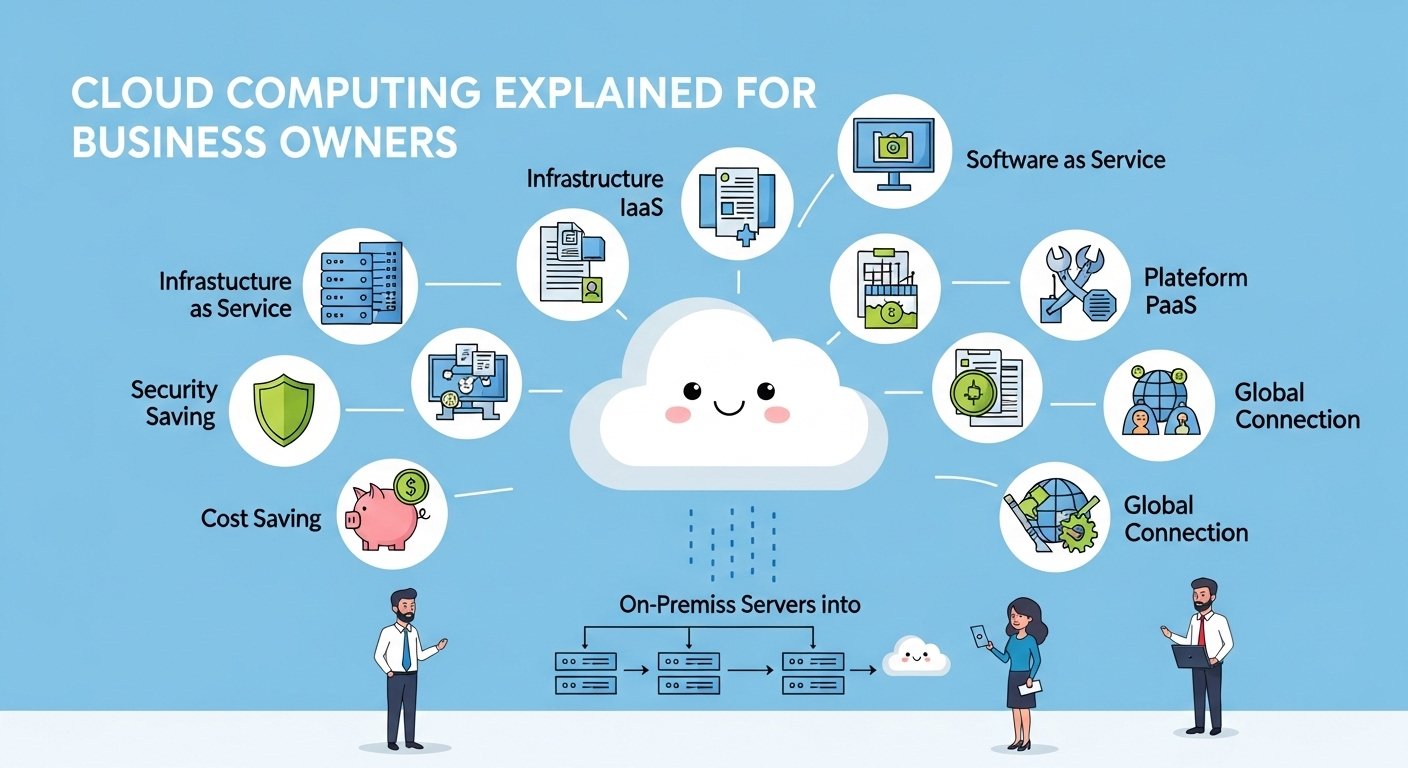
You hear about the cloud everywhere these days. Your tech friends mention it, software vendors pitch it, and every business article seems to reference it. But what does it actually mean for your business? Let’s cut through the jargon.
Cloud computing simply means using someone else’s computers over the internet to run your applications and store your data. Instead of buying and maintaining your own servers, you rent computing power from providers like Amazon, Microsoft, or Google. Understanding cloud computing for business helps you make smarter technology decisions and potentially save thousands of dollars.
This guide explains cloud computing in plain English. No technical jargon, no confusing acronyms. Just clear explanations of what the cloud is, how it works, and whether it makes sense for your business. Let’s demystify the cloud.
Key Takeaways
- Understand cloud computing in simple, non-technical terms.
- Learn the different types of cloud services available.
- Discover the real benefits and potential drawbacks for businesses.
- Find out which business functions work best in the cloud.
- Get practical guidance on choosing cloud providers.
- Understand costs and how to budget for cloud services.
What is Cloud Computing?
Before cloud computing, businesses had to buy their own computers and servers, install them in a special room, hire people to maintain them, and replace them every few years. This was expensive, complicated, and inflexible.
Cloud computing changes this model. Instead of owning the hardware, you rent access to powerful computers owned by companies like Amazon, Microsoft, or Google. You access these computers over the internet, just like you access websites.
A Simple Analogy
Think of it like electricity. Before electricity grids, factories had to generate their own power. They bought generators, maintained them, and dealt with breakdowns. Today, you just plug into the wall and pay for what you use. Cloud computing works the same way for technology.
- You do not buy servers, you rent computing power
- You do not maintain hardware, the provider handles everything
- You pay for what you use, like a utility bill
- You can scale up or down instantly as needs change
Types of Cloud Services
Cloud services come in three main categories. Understanding these helps you choose the right type for your needs.
| Service Type | What It Provides | Example |
|---|---|---|
| IaaS | Virtual computers and storage | Amazon AWS, Microsoft Azure |
| PaaS | Platform for building applications | Google App Engine, Heroku |
| SaaS | Ready-to-use software | Gmail, Salesforce, Dropbox |
Most small businesses use SaaS products without even thinking about it. If you use Gmail, Dropbox, or QuickBooks Online, you are already using cloud computing.
Benefits of Cloud Computing
The cloud offers several advantages that make it attractive for businesses of all sizes.
Cost Savings
Moving to the cloud can significantly reduce your technology costs:
- No upfront hardware costs: Skip the expensive server purchases
- Reduced IT staff: Less maintenance means fewer technical staff needed
- Pay as you go: Only pay for what you actually use
- Lower energy bills: No servers running in your office consuming electricity
Flexibility and Scalability
Cloud services grow with your business. Need more storage? Click a button. Hiring ten new employees? Add accounts in minutes. Seasonal business? Scale down during slow periods. This flexibility is impossible with traditional hardware.
Accessibility
Cloud applications work from anywhere with an internet connection. Your team can access files, applications, and data from the office, home, or while traveling. This enables remote work and improves collaboration.
Automatic Updates
Cloud providers handle all software updates and security patches. You always have the latest version without any effort on your part. No more scheduling downtime for updates or dealing with outdated software.
Disaster Recovery
Cloud providers store your data in multiple locations. If one data center has a problem, your data remains safe and accessible from another location. This built-in redundancy protects your business better than most on-premise solutions.
Potential Drawbacks to Consider
Cloud computing is not perfect for every situation. Understanding the limitations helps you make informed decisions.
Internet Dependency
Cloud services require a reliable internet connection. If your internet goes down, you lose access to cloud applications and data. For businesses in areas with poor connectivity, this can be a significant issue.
Ongoing Costs
While cloud services reduce upfront costs, they create ongoing monthly expenses. Over several years, subscription costs can exceed what you would have paid to buy and maintain your own equipment. Calculate the total cost of ownership before deciding.
Data Security Concerns
Storing data in the cloud means trusting someone else with your information. While major providers have excellent security, some businesses prefer to keep sensitive data on their own premises for compliance or peace of mind.
Vendor Lock-In
Moving data and applications between cloud providers can be difficult and expensive. Once you commit to a provider, switching later may not be practical. Choose carefully from the start.
Cloud Services for Common Business Functions
Here is how different business functions can benefit from cloud computing.
Email and Communication
Cloud-based email services like Google Workspace and Microsoft 365 provide professional email, calendar, and collaboration tools. They are more reliable and feature-rich than self-hosted email servers.
Popular options:
- Google Workspace: Gmail, Drive, Meet, Docs
- Microsoft 365: Outlook, Teams, OneDrive, Office apps
- Slack: Team messaging and collaboration
File Storage and Sharing
Cloud storage lets you store files online and access them from any device. Team members can collaborate on documents in real-time without emailing files back and forth.
Popular options:
- Dropbox: Simple file syncing and sharing
- Google Drive: Integrated with Google Workspace
- OneDrive: Built into Windows and Microsoft 365
Accounting and Finance
Cloud accounting software handles invoicing, expense tracking, and financial reporting. Your accountant can access the same data without transferring files.
Popular options:
- QuickBooks Online: Most popular for small businesses
- Xero: Strong alternative with excellent integrations
- FreshBooks: Great for freelancers and service businesses
Customer Relationship Management
Cloud CRM systems track customer interactions, manage sales pipelines, and automate marketing. They work from anywhere and integrate with other business tools.
Popular options:
- HubSpot: Powerful free tier with marketing tools
- Salesforce: Industry leader with extensive features
- Zoho CRM: Affordable with comprehensive functionality
Choosing a Cloud Provider
Selecting the right cloud provider is crucial for long-term success. Consider these factors when evaluating options.
Reliability and Uptime
Look for providers with strong uptime guarantees. The best providers offer 99.9% or higher uptime, meaning less than 9 hours of downtime per year. Check their track record and read reviews from other businesses.
Security Features
Evaluate the provider’s security measures:
- Data encryption in transit and at rest
- Multi-factor authentication options
- Compliance with industry regulations
- Regular security audits and certifications
Support Options
When something goes wrong, you need help quickly. Check what support options are available and whether they match your needs. Some providers charge extra for phone support or faster response times.
Integration Capabilities
Your cloud services need to work together. Choose providers that integrate with tools you already use or plan to use. This reduces manual data entry and improves efficiency.
Getting Started with Cloud Computing
Moving to the cloud does not have to happen all at once. A gradual approach reduces risk and allows you to learn as you go.
Start with SaaS
Begin by moving to cloud-based software for common tasks. Email, file storage, and accounting are good starting points. These are low-risk changes that deliver immediate benefits.
Assess Your Needs
Before making any changes, understand what you need:
- What applications do you use daily?
- Where do you store your files?
- How many people need access?
- What are your security requirements?
- What is your budget for technology?
Plan the Migration
Create a plan for moving to the cloud:
- Start with non-critical applications
- Test thoroughly before committing
- Train your team on new tools
- Keep backups during the transition
- Monitor performance and costs
Conclusion
Understanding cloud computing for business empowers you to make better technology decisions. The cloud offers real benefits in cost savings, flexibility, and accessibility. But it is not a magic solution for every situation.
Start by evaluating your current technology costs and pain points. Identify areas where cloud services could improve efficiency or reduce expenses. Then test cloud solutions gradually, starting with low-risk applications.
The cloud is not going away. Businesses that embrace it strategically gain competitive advantages in agility and efficiency. The key is choosing the right services for your specific needs and implementing them thoughtfully. Your journey to the cloud starts with a single step.
FAQ
Is cloud computing safe for small businesses?
Major cloud providers like Amazon, Microsoft, and Google invest billions in security and employ thousands of security experts. For most small businesses, cloud security is actually better than what they could achieve on their own. However, you should still follow security best practices like using strong passwords and enabling multi-factor authentication.
How much does cloud computing cost for small businesses?
Cloud costs vary widely depending on services used. Basic SaaS tools like email and file storage cost $5-15 per user per month. More complex services like CRM or accounting software range from $20-100 per user per month. Most small businesses spend $100-500 monthly on cloud services, which is typically less than maintaining equivalent on-premise systems.
What happens if my internet goes down?
If your internet goes down, you lose access to cloud services until it is restored. This is the main risk of cloud computing. Mitigate this by having a backup internet connection, using mobile data as a fallback, and choosing cloud applications that offer offline access for critical functions. Most businesses find the benefits outweigh this risk.
Can I move back to on-premise if cloud does not work?
Moving back to on-premise systems is possible but can be complex and expensive. Data migration, application compatibility, and hardware procurement all take time and money. This is why starting with non-critical applications and testing thoroughly before full commitment is recommended. Some businesses use a hybrid approach, keeping some systems on-premise while using cloud for others.
Which cloud provider is best for small businesses?
The best provider depends on your specific needs. For email and productivity, Google Workspace and Microsoft 365 are the top choices. For general cloud computing, Amazon AWS and Microsoft Azure lead the market. For specific applications, choose the best SaaS tool for that function rather than limiting yourself to one provider’s ecosystem.
Do I need technical expertise to use cloud services?
Most SaaS cloud services require no technical expertise. They are designed for business users and work like any other software. Setting up accounts, adding users, and configuring settings is straightforward. More complex cloud infrastructure services like AWS or Azure do require technical knowledge, but small businesses typically use SaaS products that need minimal technical skills.